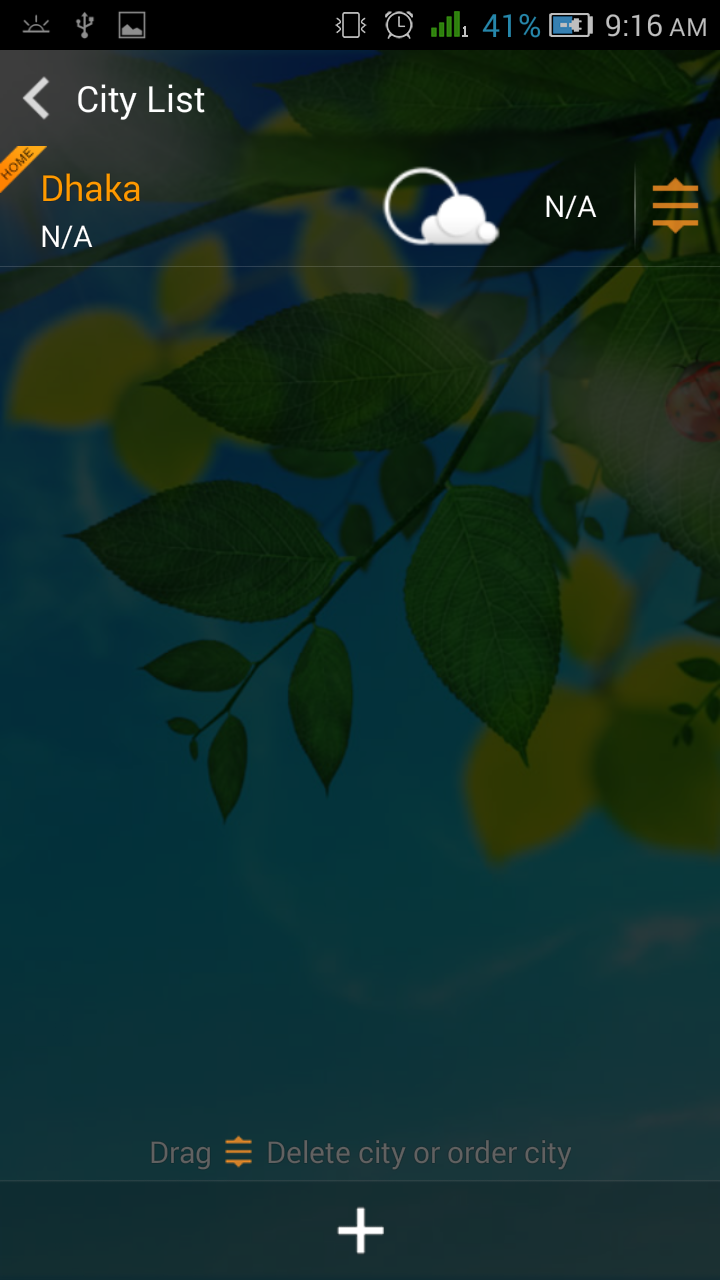
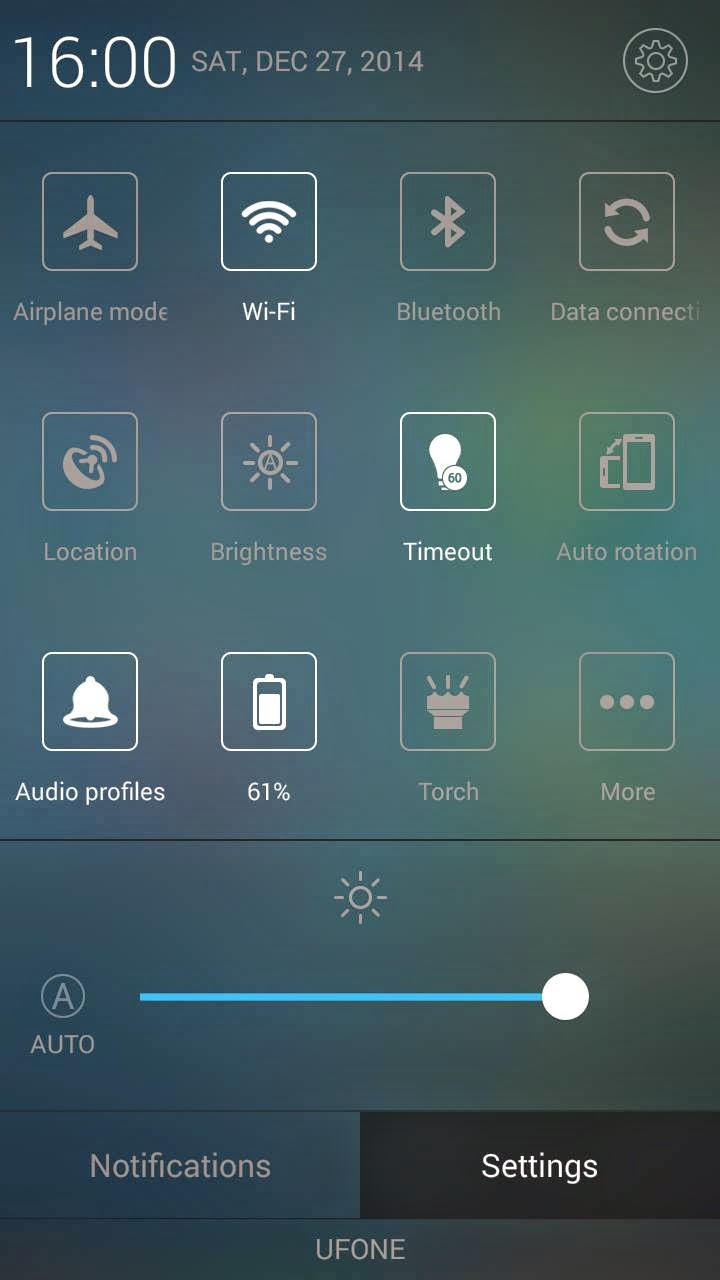
Amigo Mix [6582] [4.4.2] Fast & Stable

Walton r3 did not get Amigo ui officially . 
I am presenting Amigo ui for walton primo r3 . 
Any 6582 kk user can port this for their device too .

Features :

1. Odexed rom to ensure more free ram and super fast performance . 
2. Stable for daily usage 
3. Dual 3g .
3. Pre-rooted and removed bloatwares .
4. Bugless ( Don't hesitate to inform me if you can find one )
5. Nova prime as default launcher  .
6. Lag free .
7. Better battery backup .
6. All other features of Amigo ui . (I can't describe more)


:::::::::::::::::::::: Necessary Tools & Rom For Primo R3 ::::::::::::::::
 
Rom Link :
click here

::::::: Procedure for Flashing a custom rom via CWM recovery :::::::


#go to cwm recovery by pressing (power button+ volume up button)
#select wipe/data factory reset >>> then select yes.
#Select wipe cache partition>>>then select yes.
#then select mounts and storage>format/system>yes format
#then select advanced option>>> then wipe dalvic cache and wipe battery stat.
#then Return to the main menu again.
#select Install from sd card > install zip from SD card > select –Custom Rom> yes.
#then a process will occur.
#wait untill it finished.
#then reboot your Primo R3
::::::: Procedure for Flashing a custom rom via TWRP recovery :::::::
# Power off your phone.
# Turn your phone on in recovery mode (by pressing VOLUME UP + POWER buttons).
# Go to TWRP  { Also known as Recovery Mode. }
# GO > WIPE> ADVANCED WIPE> SELECT - DALVIC CACHE, CACHE, DATA, ANDROID SECURE, SYSTEM AND THEN SWIPE TO WIPE
# THEN A PROCESS WILL START AND WAIT UNTILL IT FINISHED.
# THEN SELECT- BACK AND RETURN TO MAIN PAGE.
# NOW THE FINAL PART- SELECT - INSTALL> SEARCH YOUR ROM
# AND THEN SWIPE TO CONFIRM FLASH.
# WAIT UNTILL IT FINISHED.
# REBOOT YOUR PHONE/SYSTEM REBOOT
.
THANKS TO  : ALL TIME HITZ 


Screenshots :


Contact me  : Muhe


Stock ROMs for most Alcatel One Touch STAR, IDOL, IDOL MINI, POP C1 and others

Many people are looking for stock ROMs, because their Alcatel devices are bricked like bootloop after did some modifications on their device and they don't have a backup of stock firmware.
Here we will post most Alcatel One Touch Stock ROMs for thus who needed to flash back to their Alcatel One Touch.
Some ROMs are from forums and we don't know from what country are they.
We recommend to make a full backup of your device before to do anything even root or installing some apps.
If you don't know how to make a backup of your Alcatel device or any other Mediatek based device take a look at this guide: How to make backup of Alcatel device or Mediatek device
  1. Download Stock ROM for Alcatel STAR 6010x - link
  2. Download Stock ROM for Alcatel STAR 6010d - link(you need to upack with MTK DROID TOOLS)
  3. Download Stock ROM for Alcatel IDOL 6030x - link
  4. Download Stock ROM for Alcatel IDOL 6030a - link
  5. Download Stock ROM for Alcatel IDOL MINI 6012x - link
  6. Download Stock ROM for Alcatel IDOL MINI 6012d - link
  7. Download Stock ROM for Alcatel POP C1 - link
  8. Download Stock ROM for Alcatel Pixi 3 3.5 4009d - link
TWRP backup 6010d - link
TWRP backup 6010x - link
TWRP backup 6012x - link


Guide of How to flash stock ROM on Alcatel here's the full tutorial check this link: How to restore mediatek backup of Alcatel or any other Mediatek based device

Caution: don't use preloader and dsp_bl this files are specific for each device if you flash on your device it may brick your device completely.Just careful read guide of restoring there are everything explained.
Disclaimer: We are not responsible for bricked devices after using stock ROMs from this post.Do it at your own risk!

LIME LIGHT UI FOR WALTON PRIMO R3 KITKAT BASED BY KUASHA PRANTO

ROM Name- LIME LIGHT UI                                                             
 

Device- WALTON PRIMO R3

You can port it to other MT6582 Devices...


  FEATURES :

1. LIME LIGHT UI
2. NO BUGS ( IF YOU FOUND ANY LET ME KNOW )
3. SUPER FAST

4. CAMERA FULLY WORKED
5. SEMI 3D DAILER
6. TRANSFORMER BOOT LOGO AND ANIMATION
7. FULLY STABLE
8. BETTER THEN AOSP BASED OTHER ROM U CAN USE IT AS STOCK ROM
9. PRE ROOTED
10.ANDROID 4.4.4
11.THEME FULLY WORKED
12.AWSOME BOOT ANIMATION
13.VARIOUS TWEAKED FOR BETTER PERFORMACE
14.NO MORE LAG .. IF YOU USE LIME LIGHT UI BEFORE U KNOW WHAT I MEAN
15. SMART MOTION ADDED
16.TIMER SMS ADDED

Screenshot ::::


:::::::::::::::::::::: Necessary Tools & Rom For Primo R3 ::::::::::::::::

Root, Recovery Tools, For R3 -:


Rom Link -:
CLICK HERE

::::::: Procedure for Flashing a custom rom via CWM recovery :::::::


#go to cwm recovery by pressing (power button+ volume up button)
#select wipe/data factory reset >>> then select yes.
#Select wipe cache partition>>>then select yes.
#then select mounts and storage>format/system>yes format
#then select advanced option>>> then wipe dalvic cache and wipe battery stat.
#then Return to the main menu again.
#select Install from sd card > install zip from SD card > select –Custom Rom> yes.
#then a process will occur.
#wait untill it finished.
#then reboot your Primo R3

::::::: Procedure for Flashing a custom rom via TWRP recovery :::::::

# Power off your phone.
# Turn your phone on in recovery mode (by pressing VOLUME UP + POWER buttons).
# Go to TWRP  { Also known as Recovery Mode. }
# GO > WIPE> ADVANCED WIPE> SELECT - DALVIC CACHE, CACHE, DATA, ANDROID SECURE, SYSTEM AND THEN SWIPE TO WIPE
# THEN A PROCESS WILL START AND WAIT UNTILL IT FINISHED.
# THEN SELECT- BACK AND RETURN TO MAIN PAGE.
# NOW THE FINAL PART- SELECT - INSTALL> SEARCH YOUR ROM
# AND THEN SWIPE TO CONFIRM FLASH.
# WAIT UNTILL IT FINISHED.
# THEN WIPE CACHE/DALVIC CACHE.
# REBOOT YOUR PHONE/SYSTEM REBOOT.

CREDITS : ALL TIME HITZ ( MY ELDY  )


YU Yureka Unboxing

Yureka Unboxing


Yureka comes under the recycled card board box.

YUBox001

Inside of the box contains: 

YUBox002

Transceiver
Charger
Battery(2,500 mAh)
USB Cable
User Guide
Handsfree
Warranty Card
Screen Guard


Note : Since, this is the review unit so following things are not available which will be available in the actual retail unit. User Guide, Warranty Card, Screen Guard.

specifications as seen on the box

more details on the box


Yureka Mobile Complete Specifications


Yureka Mobile Complete Specifications


KEY FEATURES

Product name:  AO5510(YUREKA)

OS Name      :  Cyanogen OS 11/Android Kitkat 4.4.4

Screen Size   :  13.97cm (5.5) HD IPS Screen (720p)

Camera         :  13MP AF Rear(3120*4208)
                         5MP FF(1944*2592)(front)

Processor      :  Qualcomm Snapdragon 615
                         (1.5 GHz, 64 Bit, Octa-Core)

Battery          :   2500 mAh

Connectivity  :   Bluetooth 4.0/USB/Wi-Fi

Sim              :   Dual micro-Sim (4G LTE +3G)


Yureka Complete Specifications (click to enlarge)


Did not find what you were looking for ask us on FB or email us at info@yurekasupport.com. 


Yureka Review, Camera Test, Benchmarks, Features, Specifications and Unboxing


YU Mobile Review


Still in two minds about the upcoming YU Mobile with Cyanogen OS. Fear not we have collected the a range of reviews of the device from all over the internet to help you decide.

Unboxing : Yureka Inside the Box

Yu Yureka Unboxing & Hands-on Review Micromax made Cyanogen Phone


Micromax Yu Yureka Review- Camera Test, Benchmarks, Gaming, Features, Specifications & Box Contents 


Micromax Yu Yureka Long Review, Camera, Benchmarks, Price, Cyanogen User Interface Overview


Micromax Yu Yureka - Benchmarks and Gaming Review - iGyaan


Hope it helps clear your doubts about the phone, if you have any further queries you can reach us at our Facebook page or email us at info@yurekasupport.com

Also Read : FAQs : Frequently Asked Question on Yureka

Yureka Contest on our FB page : Yureka Support Page Contest #1


Yureka Support Page Contest #1

Yureka Support Page Contest #1

How to Enter :

1. Become a member of our Facebook page.

2. Purchase Yureka from Amazon India on the day of first sale on  13th January, 2015 from the  Yureka Sales Page.

3. After you've purchased the phone tell us what would be the first thing you plan to do after getting the phone (taking a selfie, calling your parents, rooting the phone etc.) be creative. Use #YSPContest for better accessibility of your comment.

4. Share this contest.

Terms & Conditions :

1. The contest will run from 13th January, 2015 1:00:00 P.M. till 25th January, 2015 11:59:59 P.M.

2. You need to purchase the phone from the Amazon India. The link will be posted on 13th January, 2015 1:00:00 P.M. on our page. Only those who purchase from the provided link are eligible for the contest. We will verify each entry.

3. Total prize money will be proportional to the number of contestants by the ratio of 50. If there are 10 participants total prize money will be ₹500 and for 100 participants it will be ₹5000 and so on with no upper limits, we may increase the ratio depending on the total participants.

4. Winners will be announced on 27th January, 2015.

4. Decision of the the YSP Team will be final.

5. We reserve the right to change the terms & condition without any prior notice.

List of Prizes :

1. Class 10 SD Card 32 GB.

2. Mi Power bank 10,400 mAh.

3. Mi Power Bank 5,200 mAh.

4. Mi In-Ear Headset.

5. Tempered Screen Guard.

6. Electronic Gift Vouchers ( Flipkart and Amazon )

7. Mobile Recharges.


Note : We have decided to remove the Yureka Back Cover as it was  provided for free to all on the first sales day.